
 Deutsch
 English
 ไทย
No paperwork at the desk
You fill in everything before you arrive. With us you go straight to your gear instead of a clipboard.
Sort out your certification, fitness to dive, insurance and signatures on your phone before you arrive. On your first day, you head straight to the boat.
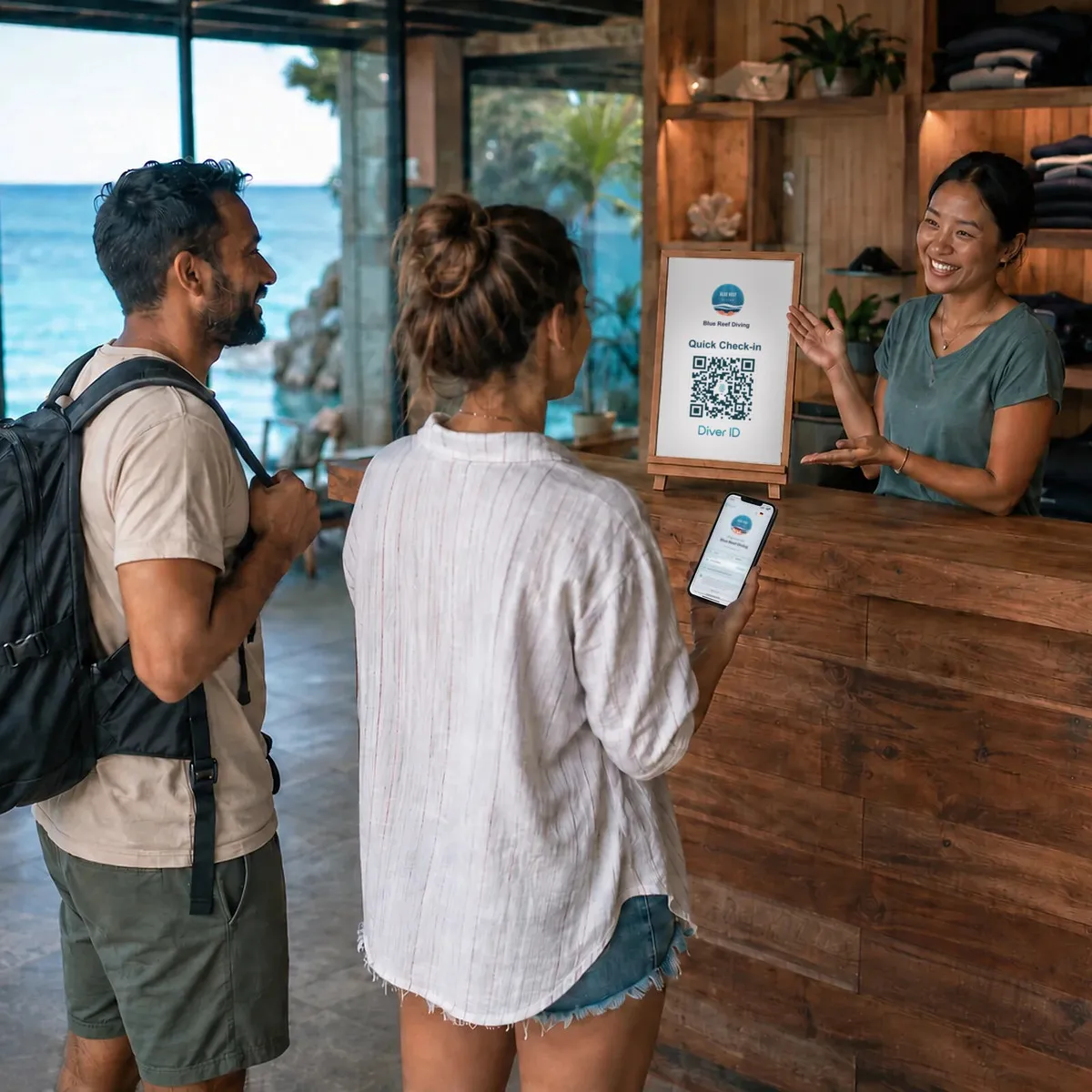
The link opens the check-in at Diver ID in a new window. You can check in before you arrive, from home.
www.diver-id.net/q/en/SCUBASQUAD
 Scan with your phone or tap here.
Open our check-in link or scan the QR code. No app, it runs in your browser.
Add your certification, insurance and emergency contact, answer the medical questionnaire and sign on the screen.
We have your documents, so there is nothing left to fill in at the dive center. At your next dive center with Diver ID, your details are already there.
 Our partner
Diver ID is complete dive center software from Germany with a digital diver passport. Our online check-in, our enquiry form and Leo, our digital assistant, all run on it.
You fill in everything before you arrive. With us you go straight to your gear instead of a clipboard.
Check-in runs in 18 languages, with the official medical questionnaire in its official translations.
Create it once and reuse it at every dive center with Diver ID. Certifications from every agency in one place.
Encrypted on servers in the EU. Before your first dive we can see whether your certification, medical questionnaire and insurance are in order.
You sign on your phone, time and device are logged. For minors, a parent signs too.
Diver ID costs divers nothing. It runs in the browser on your phone, tablet or computer.
Anything else? Tap “Contact” at the bottom right or send us an enquiry.
No. Diver ID runs in the browser, on your phone, tablet or computer. You open the link or scan the QR code, enter your details and sign on the screen.
Diver ID is free for divers.
Your certification, fitness to dive, insurance and an emergency contact. You also sign The Scuba Squad's risk and liability release.
Then most of it is already stored. You open the check-in link, sign in and confirm. At the next centre, check-in takes just seconds.
Yes. Minors fill in the check-in themselves, and a parent or guardian also signs it.
In yours. Diver ID is available in 18 languages, and you choose yours yourself, from the first field to the signature.
Encrypted on servers in the EU, in line with the GDPR. You stay in control of your profile, and The Scuba Squad receives the documents it needs for your dives.